This article contains affiliate links. We may earn a small commission at no extra cost to you.
Staying online is one of the first things to sort for a trip to Japan — a data connection turns your phone into a map, a translator and a lifeline all at once. The choices can seem confusing at first, but they boil down to a few clear options: a Japan SIM card for tourists, an eSIM, a rented pocket Wi-Fi device, or roaming with your UK provider. This guide, written by a native Japanese team for UK travellers, explains how each one works, what it’s best for, and how to set it up, so you can land in Japan already connected and ready to explore.
Your Main Options at a Glance
There are four practical ways to get online in Japan, and the right one depends on how you travel. A travel SIM card is a physical card you swap into your phone for data during your stay. An eSIM does the same job digitally, with nothing to insert. A pocket Wi-Fi is a small rented router that creates your own hotspot for several devices at once. And roaming simply uses your existing UK plan abroad. Each has clear strengths — eSIMs are the most convenient for a single modern phone, pocket Wi-Fi is ideal for groups, and a SIM is a simple, dependable classic — so it’s worth matching the option to your trip rather than assuming one size fits all.
Travel SIM Cards
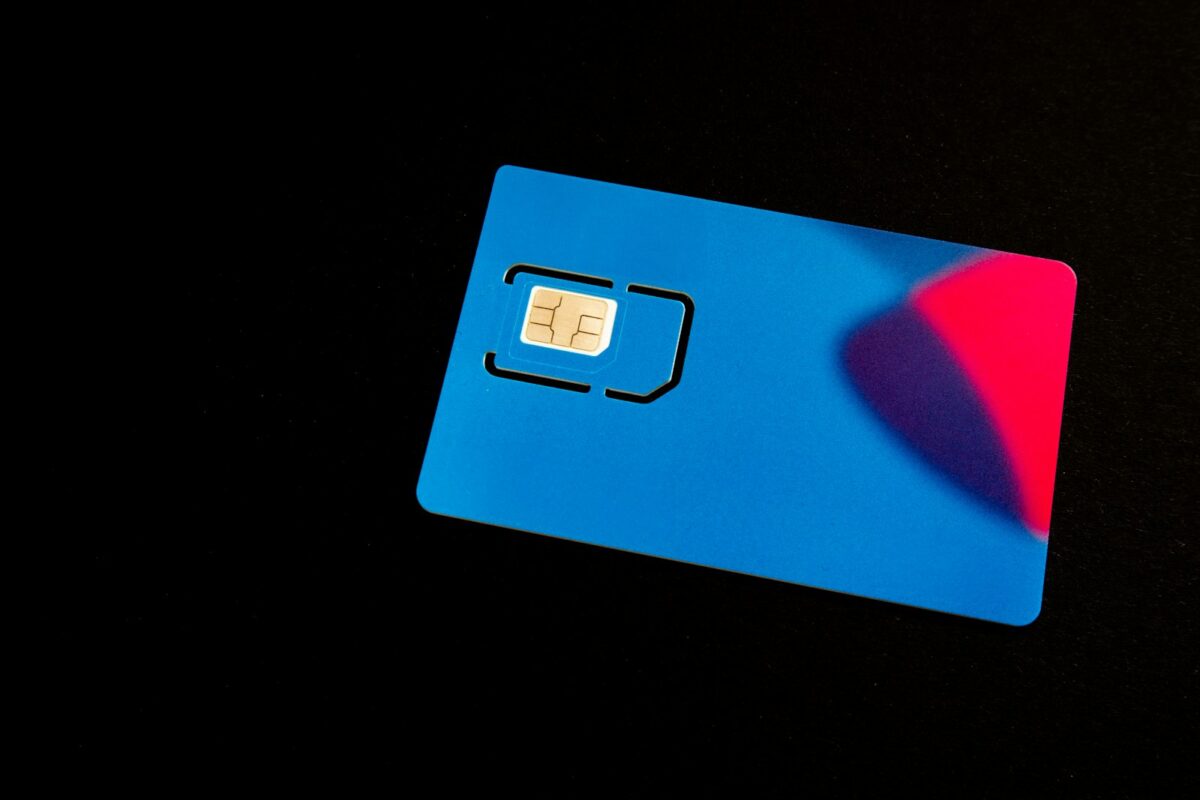
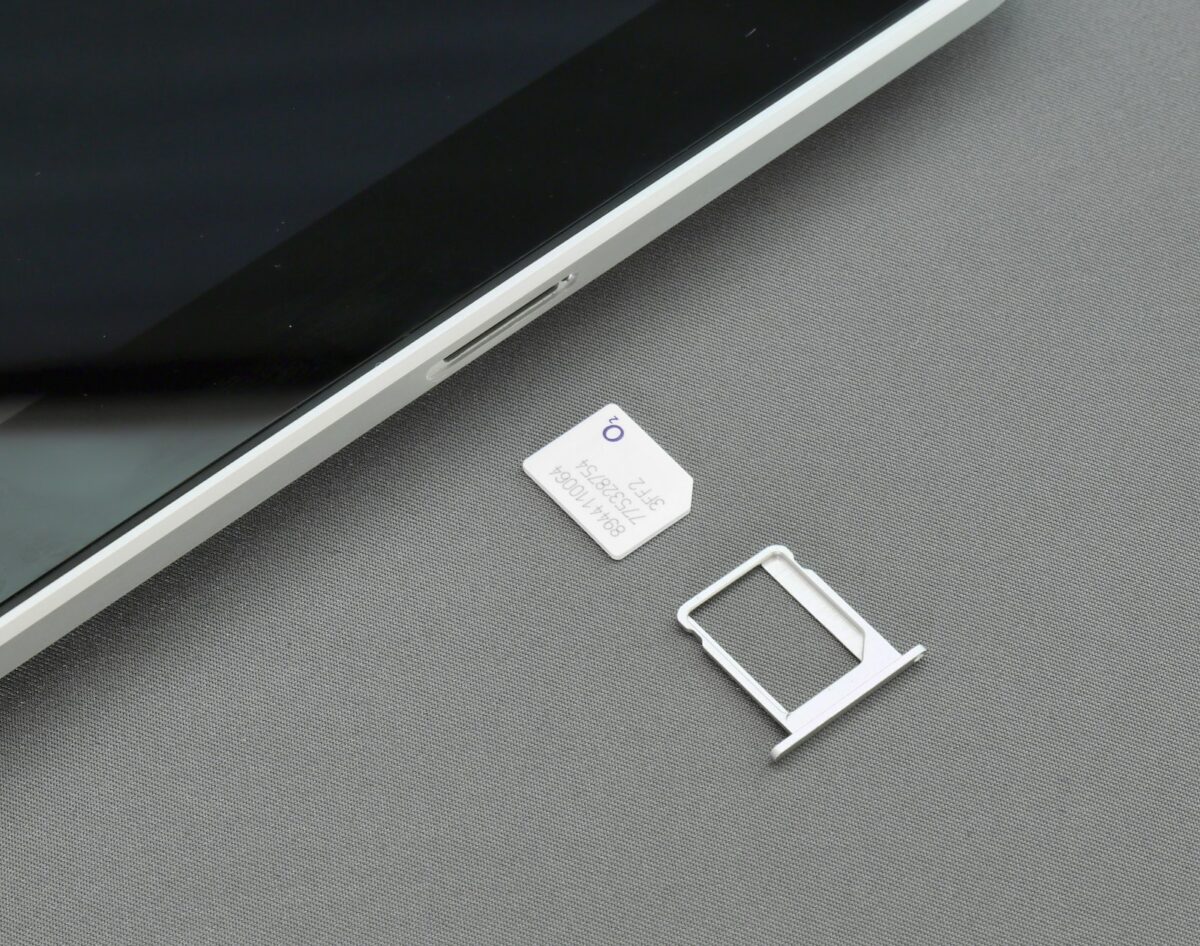
A data-only travel SIM is a long-standing favourite for good reason: it’s straightforward and reliable. You buy a tourist SIM designed for short stays — available at the airport on arrival, at electronics stores, and online for delivery before you fly — then swap it into your phone in place of your usual card. Most tourist SIMs are data-only, meaning you get mobile internet but not a Japanese phone number, which is perfectly fine for maps, messaging apps and translation. They come in a range of durations and data amounts to suit different trip lengths. Two things to check before you buy: your phone must be unlocked to accept another carrier’s SIM, and it’s wise to keep your original SIM somewhere safe so you can pop it back in when you get home. Setup usually involves inserting the card and adjusting one network setting, with instructions provided.
eSIMs
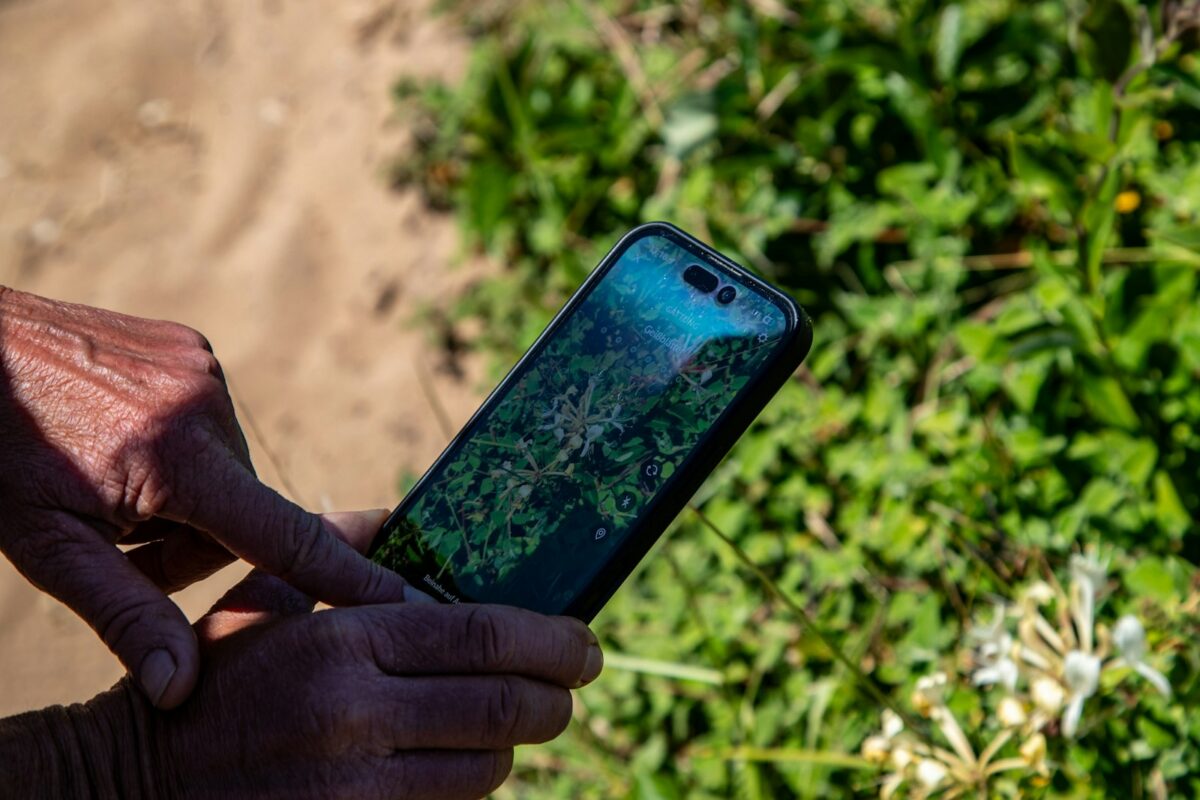
An eSIM is the most convenient option for most modern phones, and it’s grown hugely popular with travellers. Instead of a physical card, you buy a data plan online and install it digitally — usually by scanning a QR code — often before you even leave home. Because there’s nothing to swap, your original UK SIM stays active in the phone, so you can keep receiving calls and texts on your normal number while using the eSIM’s data. You simply switch the eSIM on when you land. The main requirement is an eSIM-compatible phone (most recent handsets qualify), and it’s worth installing the plan before you fly and activating it on arrival. For a single traveller with a compatible phone, an eSIM is hard to beat for simplicity. A popular, beginner-friendly choice is Airalo (affiliate link), whose Japan eSIMs install in minutes straight from your phone — new customers can use code NEWTOAIRALO15 for 15% off their first eSIM.
Pocket Wi-Fi
A pocket Wi-Fi is a small portable router you rent for your trip, and it shines for groups and families. It creates your own private hotspot that several phones, tablets and laptops can connect to at once, so everyone shares a single connection and cost. You typically reserve it online, then collect the device at the airport or have it delivered to your hotel, and return it by post or at a counter when you leave. The trade-offs are that it’s one more thing to carry and charge — the battery needs topping up during the day, so pack a power bank — and if the group splits up, only whoever has the device stays online. For couples, families and anyone travelling with multiple gadgets, though, it’s an economical and reliable choice.
Roaming and Free Wi-Fi
The simplest option of all is to do nothing new and use your UK plan’s roaming — but check the details first, as costs and data limits vary a great deal between providers and roaming can be expensive if it isn’t included in your plan. It’s a reasonable choice for a very short trip or light use, provided you understand the charges. Free public Wi-Fi is also increasingly available at airports, major stations, convenience stores, cafés and some tourist spots, and it’s handy as a backup. However, coverage is patchy and connections can be slow or require sign-in, so free Wi-Fi alone isn’t reliable enough for finding your way around a busy city. Treat it as a bonus rather than your main plan.
Which Should You Choose?
Here’s a simple way to decide. If you’re travelling solo with a modern phone and want the least hassle, an eSIM is usually the best fit. If you’d rather buy something physical and keep it simple, a travel SIM is a dependable classic. If you’re a couple, family or group, or you’re carrying several devices, pocket Wi-Fi often works out cheapest and most flexible. And for a very short trip with light needs, checking your provider’s roaming may be enough. There’s no single right answer — it comes down to how many people and devices need connecting and how much you value convenience over carrying an extra gadget.
Practical Tips
A few habits make getting online painless. Sort your data before you fly — buying an eSIM or ordering a SIM or pocket Wi-Fi in advance means you’re connected the moment you land, rather than queuing at the airport. Download offline maps and an offline language pack as a safety net for patchy signal, which also pairs well with our guide to getting around Japan by train. Pack a power bank, since heavy map and translation use drains a battery fast, and it’s essential if you’re relying on pocket Wi-Fi. Finally, screenshot your booking confirmations and setup instructions so you have them even when you’re offline. A little preparation here removes one of the most common first-day headaches entirely.
A couple of small things make staying connected far less stressful: keep a compact power bank like the INIU portable charger (affiliate link) in your day bag so your eSIM and maps never die mid-journey, and pack a UK-to-Japan travel adapter (affiliate link) so you can charge everything back at the hotel.
Calls and Messages
Most tourist SIMs and eSIMs are data-only, meaning you won’t get a local phone number for traditional calls or texts. In practice this rarely matters: messaging and calling apps handle voice and video over data perfectly well, and most restaurants, hotels, and services you’ll deal with are reachable online. If keeping your usual UK number active matters — for two-factor codes or work calls — a phone that supports dual SIM (a physical SIM plus an eSIM) lets you keep your home number for messages while using Japanese data for everything else.
Sharing a Connection
Travelling with others changes the maths. A single pocket Wi-Fi device can connect several phones at once, which is usually the best value for families or groups. Alternatively, one person’s SIM or eSIM plan with tethering (personal hotspot) enabled can share data with the rest of the group. Either way, keep an eye on the battery: a shared hotspot works hard, so a power bank and a charging routine at the hotel each night keep everyone online.
Costs and What Affects Them
Prices vary with the length of your trip, the amount of data, and the type of plan, so it’s worth comparing options from reputable sellers rather than grabbing the first thing you see. Longer trips and unlimited data naturally cost more, while short stays with modest data are inexpensive. Buy from established providers, airport counters, or well-reviewed online sellers, and read what’s actually included — the cheapest headline price sometimes comes with a low data cap that won’t last a busy sightseeing day.
Staying Safe on Public Wi-Fi
Free public Wi-Fi is convenient but open, so treat it with a little care. Avoid logging into banking or entering sensitive details while connected to an open network, and stick to your own mobile data for anything private. If you regularly use public Wi-Fi, a reputable VPN adds a layer of protection. For everyday maps and messaging, though, public Wi-Fi is perfectly fine as a backup to your main connection.
Setting Up on Arrival
Whichever option you choose, getting online at the airport is quick if you’ve prepared. With an eSIM, connect to the airport’s free Wi-Fi if you haven’t already installed your plan, then switch the eSIM on and toggle data roaming for that line as instructed — you’ll usually be connected within a minute or two. With a physical SIM, swap it into your phone (keeping your UK card safe), restart if needed, and select the new network. If you’ve rented pocket Wi-Fi, collect the device from the airport counter or find it waiting at your hotel, switch it on, and connect your phone to its network using the password on the device. It’s worth doing this before you leave the arrivals hall, so you land running rather than hunting for signal on the train.
Do You Need a Japanese Phone Number?
For most travellers, the answer is no. Data-only plans cover everything you’ll actually use day to day — maps, translation, and messaging through apps like WhatsApp or LINE, which handle calls and texts over the internet. A local number is only occasionally useful, for instance when a restaurant reservation system or a delivery service asks for one. If you think you’ll need it, some SIMs and services do offer a number, but it’s rarely worth paying extra for on a normal holiday. Save your energy for choosing the right amount of data instead, since that’s what determines whether you can stream maps and share photos freely.
Coverage and Common Questions
Japan’s mobile coverage is excellent, including in rural areas and even deep in the subway and bullet-train tunnels, so a reputable SIM, eSIM or pocket Wi-Fi will keep you connected almost everywhere you’re likely to go. You can tether other devices to a phone with a data plan if your plan allows it, which can save renting a separate router for light use. If you’re travelling with someone, one pocket Wi-Fi or a tethered phone can comfortably cover you both. And if you run low on data, most eSIM apps let you top up on the spot in a few taps — one more reason the digital options feel so effortless once you’re set up.
Conclusion
Staying connected in Japan is easy once you know your options: an eSIM for effortless solo travel, a travel SIM for simple reliability, pocket Wi-Fi for groups, or roaming for a quick trip. Sort it before you fly, keep a power bank handy, and lean on offline maps as backup, and your phone will be the trusty companion that makes navigating, translating and sharing your trip a pleasure. Connectivity is one of the smallest problems to solve — and one of the most rewarding to get right.
Want the practical side of your trip — connectivity, transport and daily logistics — handled for you before you go? Our native Japanese team can take care of it through Travel Planning, and if you’d like to pick up a few useful phrases, Travel Japanese is a friendly place to start.
About Iroha Passport
Iroha Passport is a London-based Japanese language and travel service with over six years of experience. Our native Japanese team offers honest, practical guidance alongside Travel Planning and Travel Japanese. By Iroha Passport.
This article contains affiliate links, including Amazon Associates and Airalo. We may earn a commission from qualifying purchases at no extra cost to you.